Open MQTT broker, any topic format
Use any topic format and any client ID without restrictions.

Start now — connect an ESP32 or ESP8266 to your computer and follow the steps of this 3-minute video tutorial.


MQTT & HTTP IoT platform.Powerful, yet simple by design.
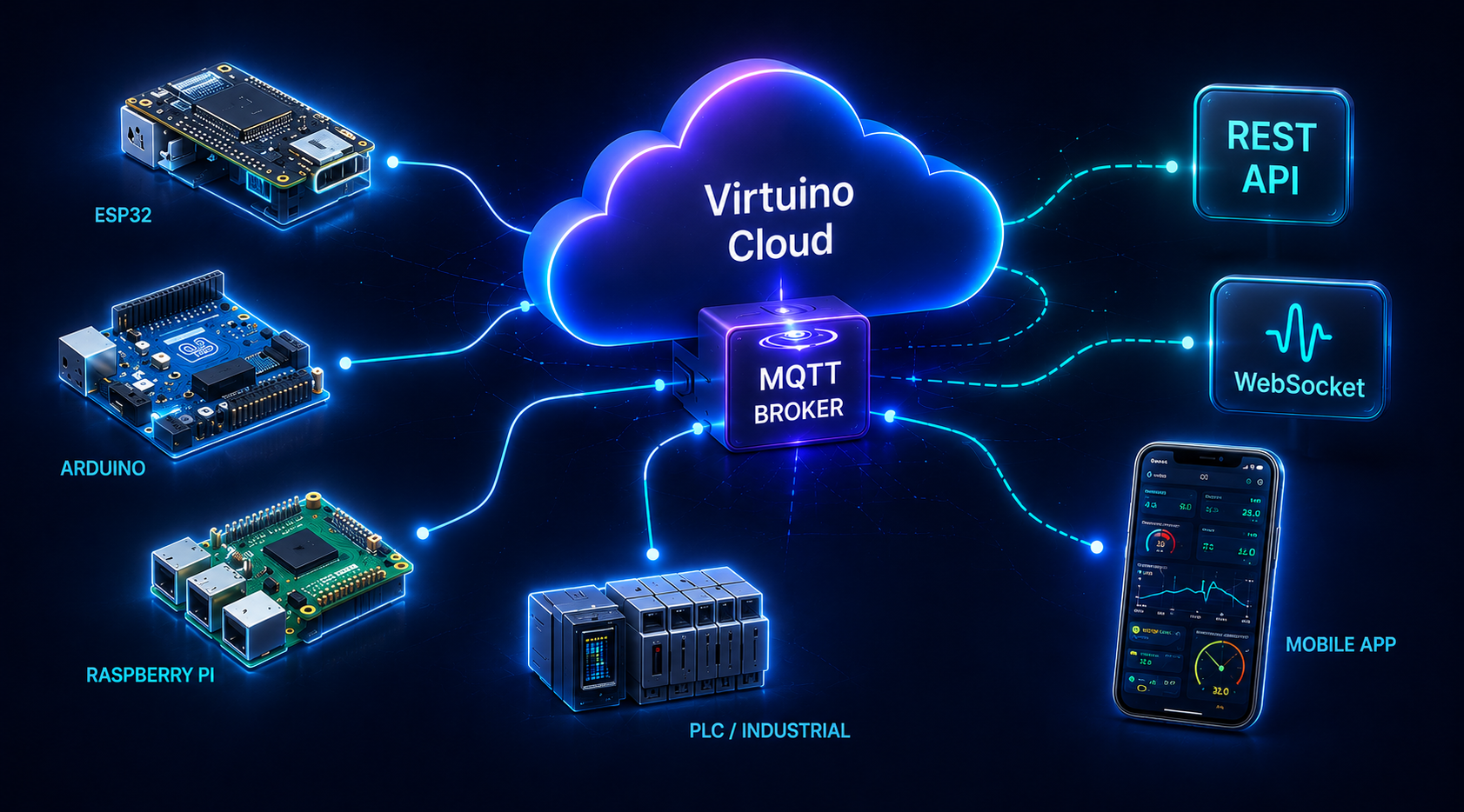
Virtuino Cloud is a flexible IoT platform for connecting, monitoring, automating and controlling MQTT and HTTP devices, with the freedom to structure your data your way.
Use any topic format and any client ID without restrictions.
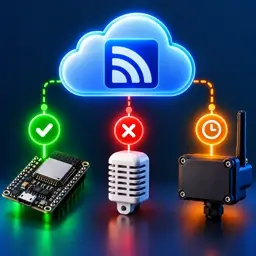
Online, Offline and Last Seen information without extra status topics or MQTT LWT setup.

Know when the real device has actually executed a command before accepting the new state.
Understands your devices, fields and live IoT data to help diagnose, analyze, configure and automate.

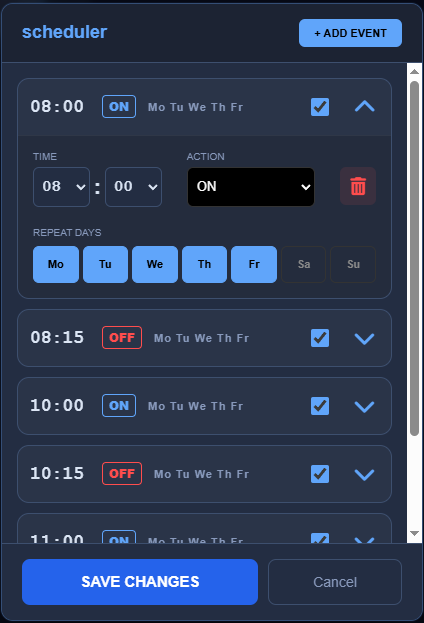
Rules, scripts and schedules work on the same real-time fields used by devices and dashboards.
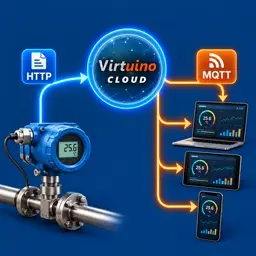
A device can send data over HTTP, and Virtuino Cloud can automatically publish the same message to MQTT subscribers in real time.
Virtuino Cloud combines MQTT and HTTP connectivity, real-time device monitoring, remote control, AI-assisted diagnostics, automation, dashboards and mobile control in a simple IoT platform designed for developers, makers and system integrators.
The AI Assistant is connected to your account. It sees your devices, your fields and the traffic in both directions — every value that arrives and every command that goes out, including the ones that were rejected and the reason why. So when something stops working it does not guess: it looks at your own data, asks you one question at a time, and gets you running again.
Virtuino AI Widget Studio is a visual editor for your own dashboard widgets — gauges, controls, tanks, energy flows, anything you can picture. Its AI Assistant creates a widget from a sentence and changes it the same way: “make it blue”, “show the pressure in bar”, “add a second value”. Then add it to a dashboard and connect it to your fields.


Every widget you make can go to the Widget Library, where other Virtuino users find it, star it and add it to their dashboards. And the other way round: the library is full of widgets made by Virtuino and the community, ready to use.

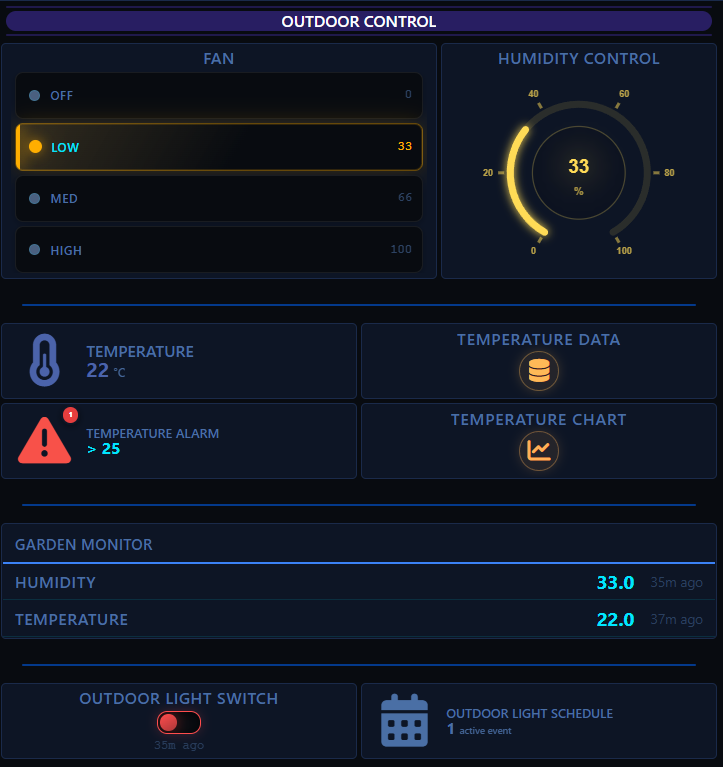
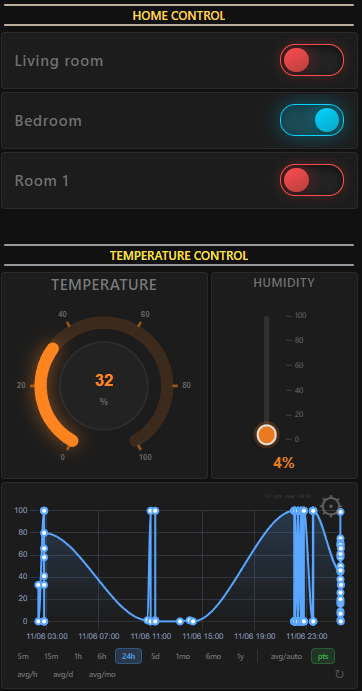
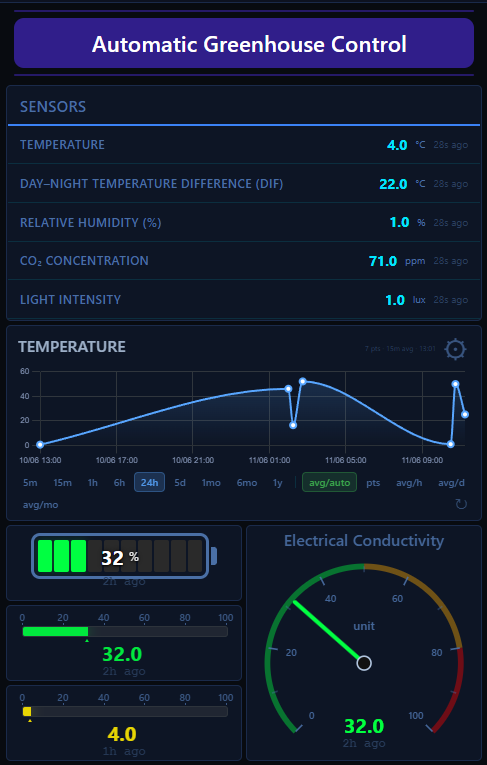
Put your widgets together into complete, modern dashboards — for a smart home, a building or anything you connect to Virtuino Cloud.



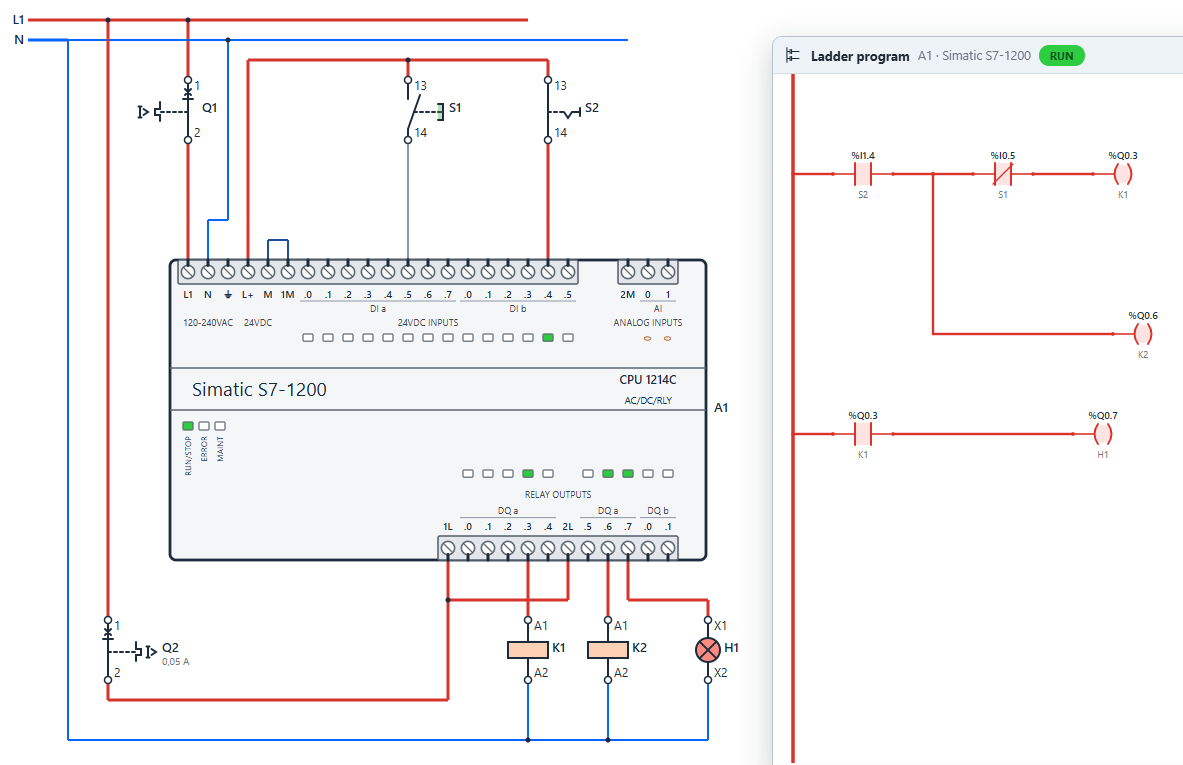
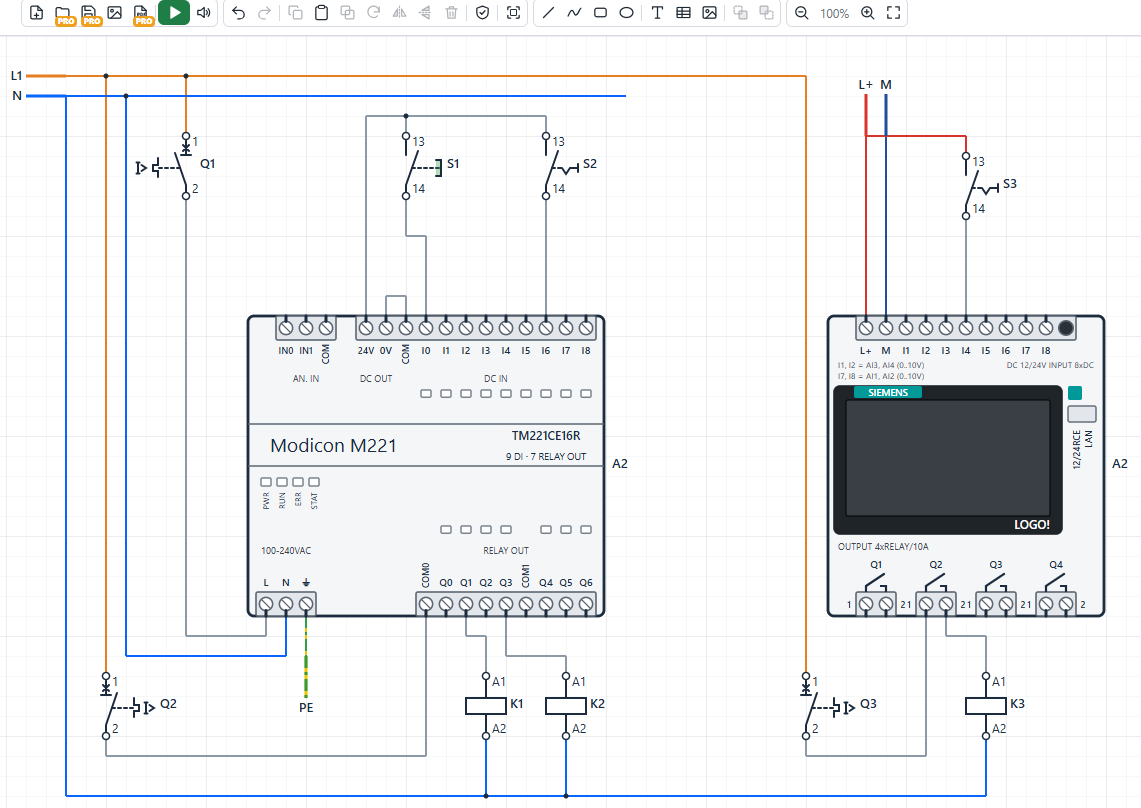
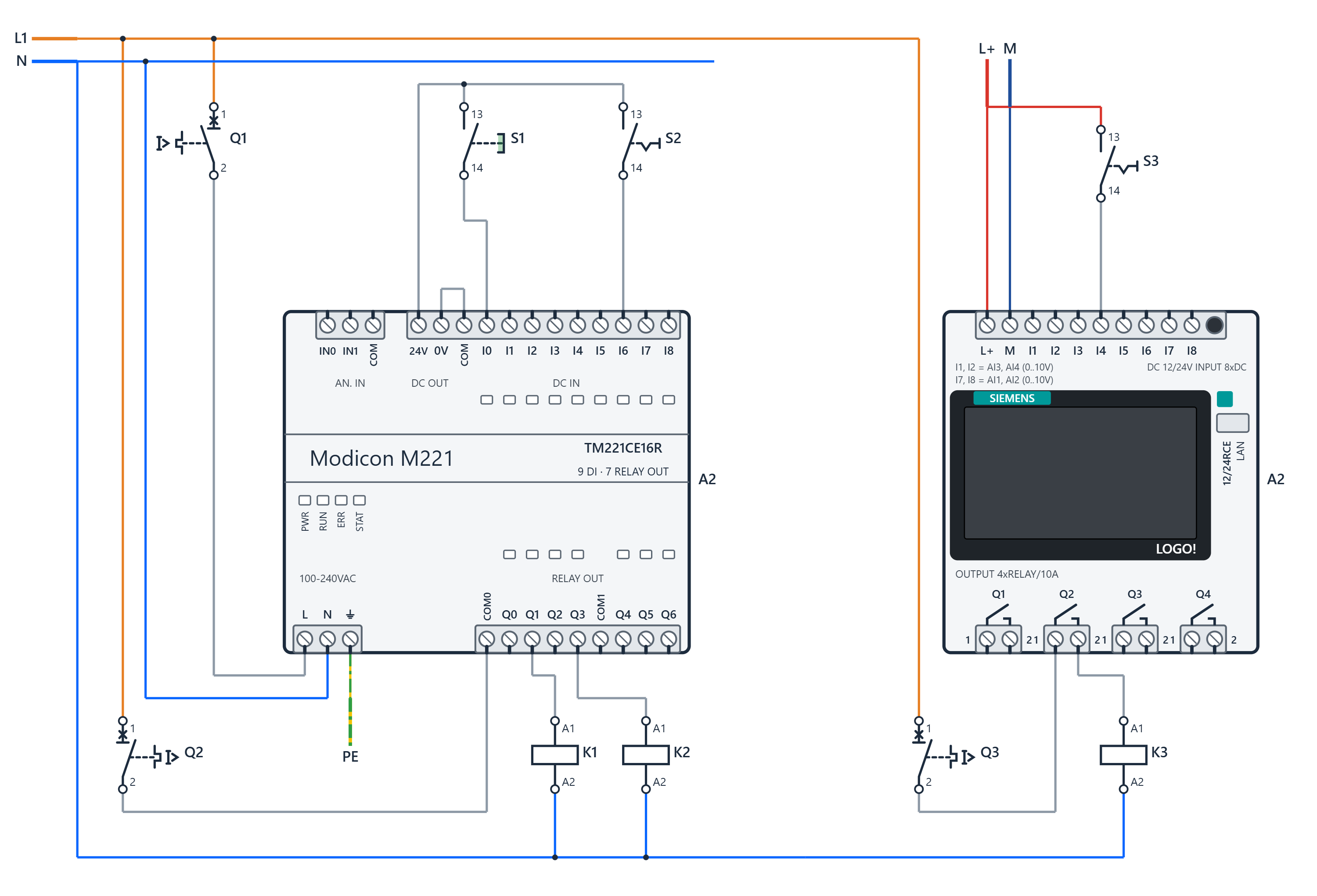
IEC 60617 symbols, live simulation with real faults, and Ladder programming for Siemens LOGO!, S7-200, S7-1200 and Schneider M221. No installation. Free to start.